
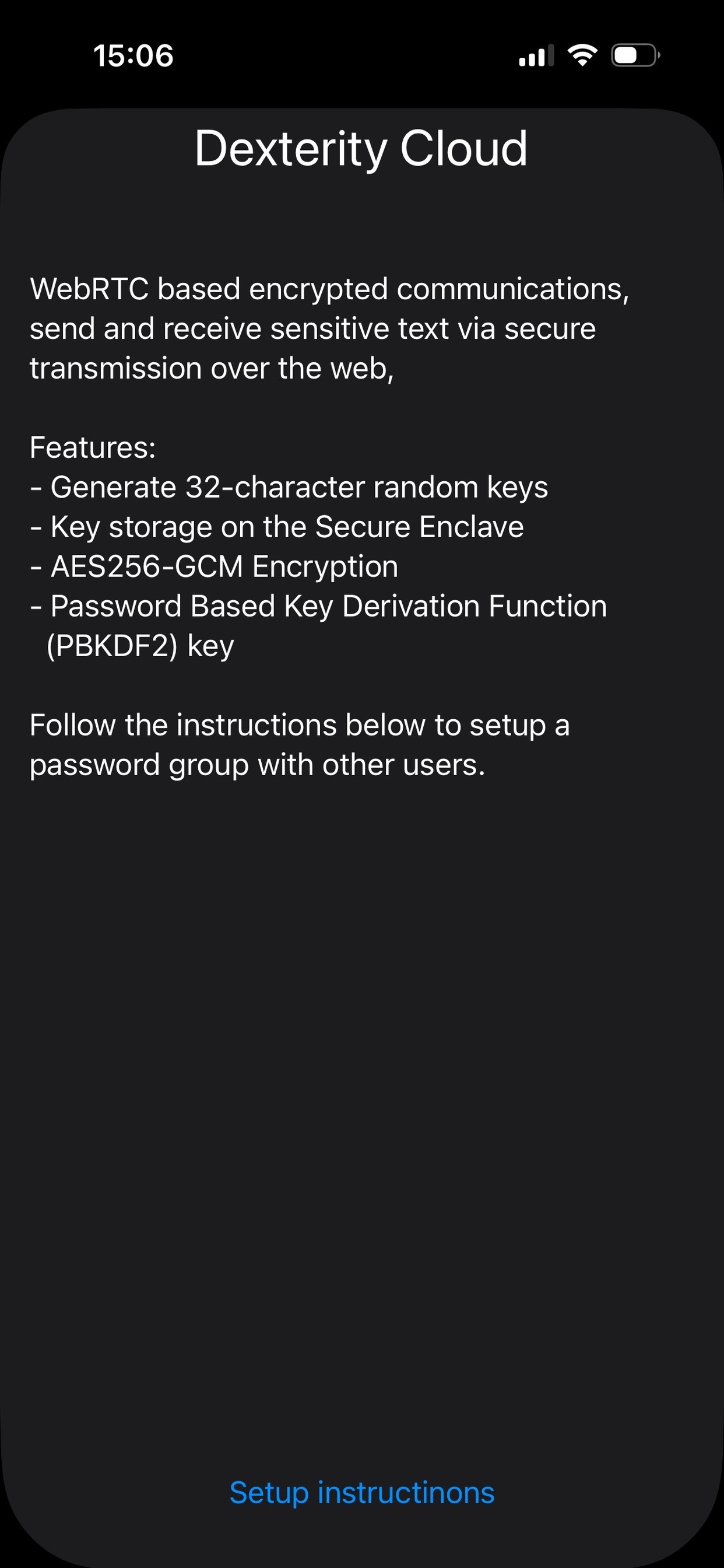
This is the Information Page. Tap the information icon to learn more about Dexterity Cloud and the security technologies used to protect your data. This page explains that the app uses WebRTC based encrypted communication, AES-256-GCM encryption, Secure Enclave key storage, and PBKDF2.
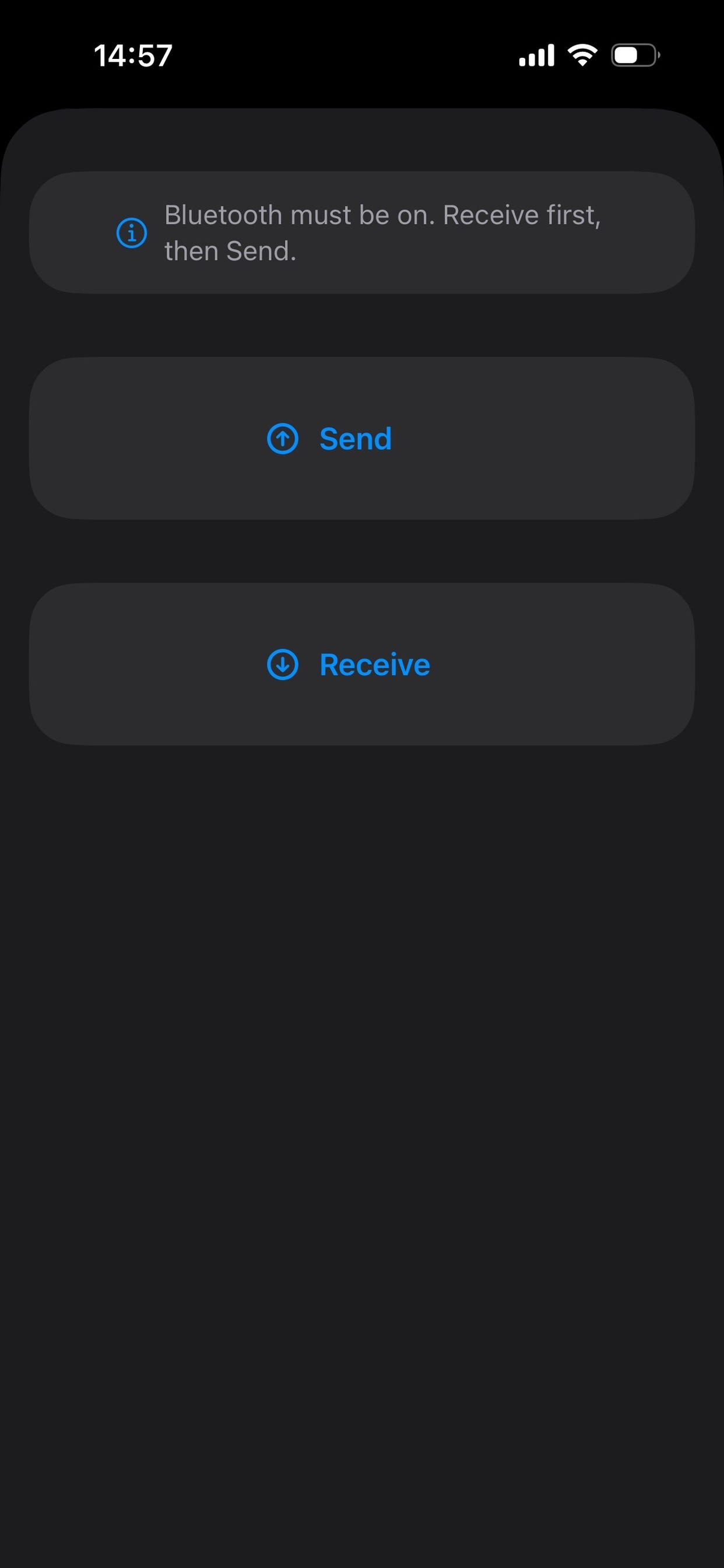
To begin sharing data, both devices must have Bluetooth enabled. The receiving user should tap Receive first. The sending user can then tap Send to establish a connection and securely tranfer data between devices.
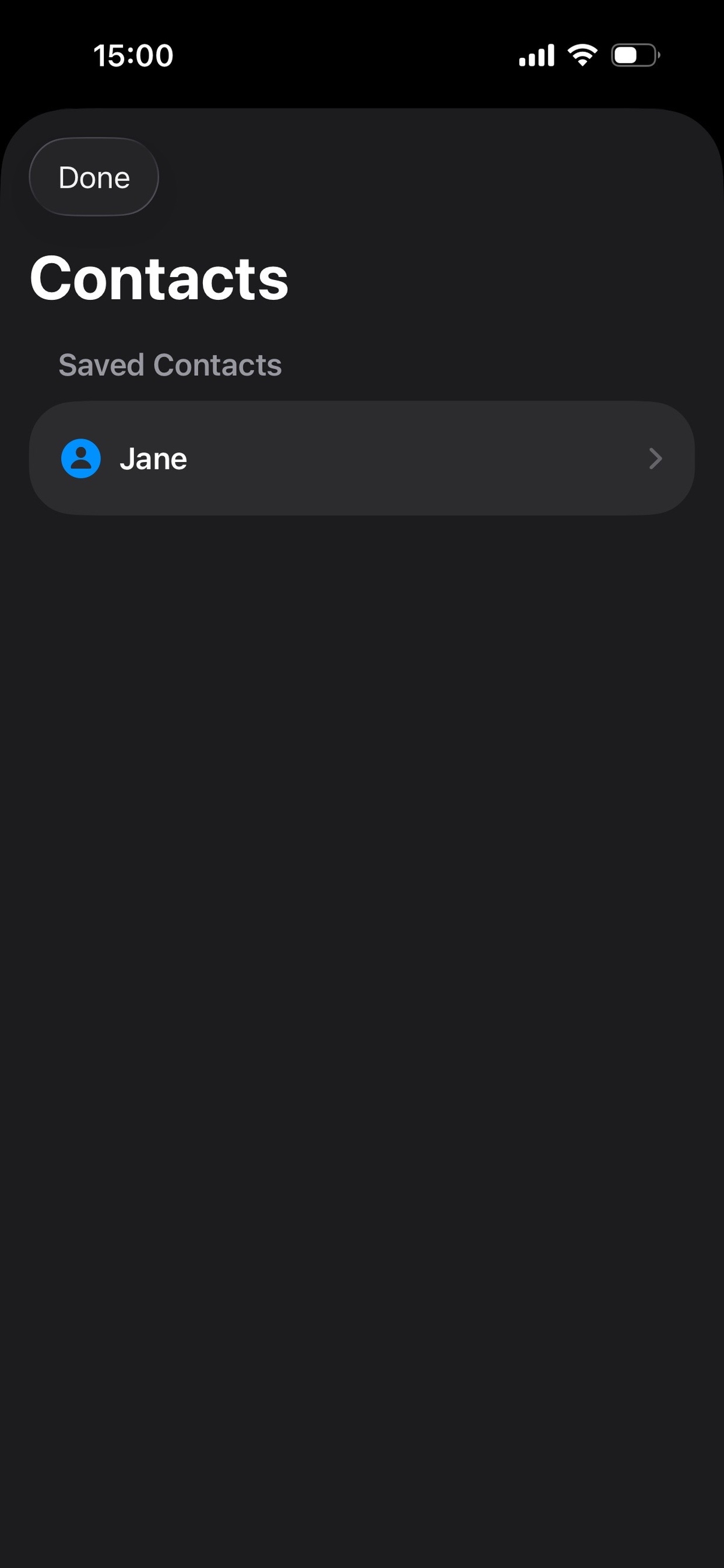
The Contacts page displays contacts that cna recieve secure messages. Select a contact from the list to begin creating a new encrypted message. In this exampl, Jane is available as a contact.
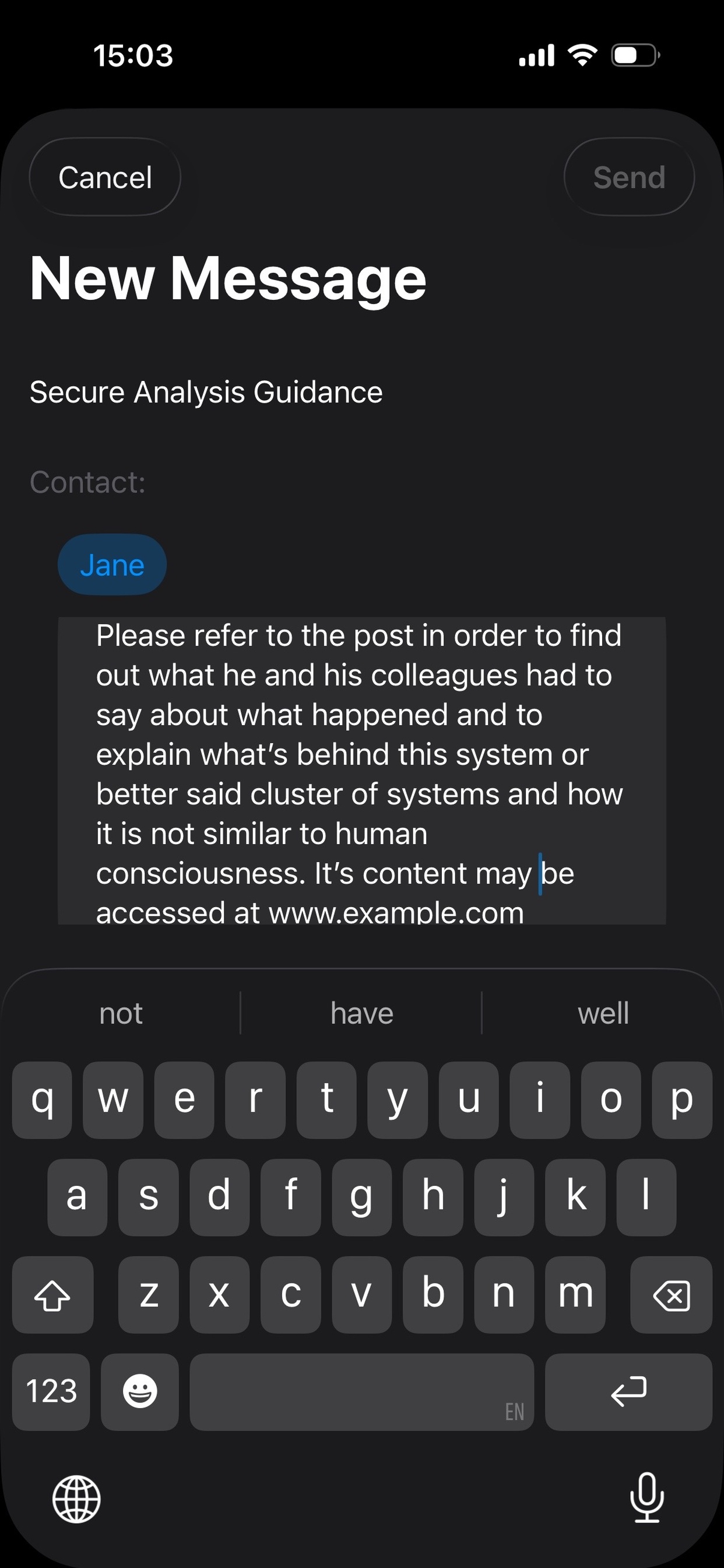
Enter your message in the text box and review the selected cotact. When you are ready, tap Send to securely transmit the message. All messages are encrypted before being sent.
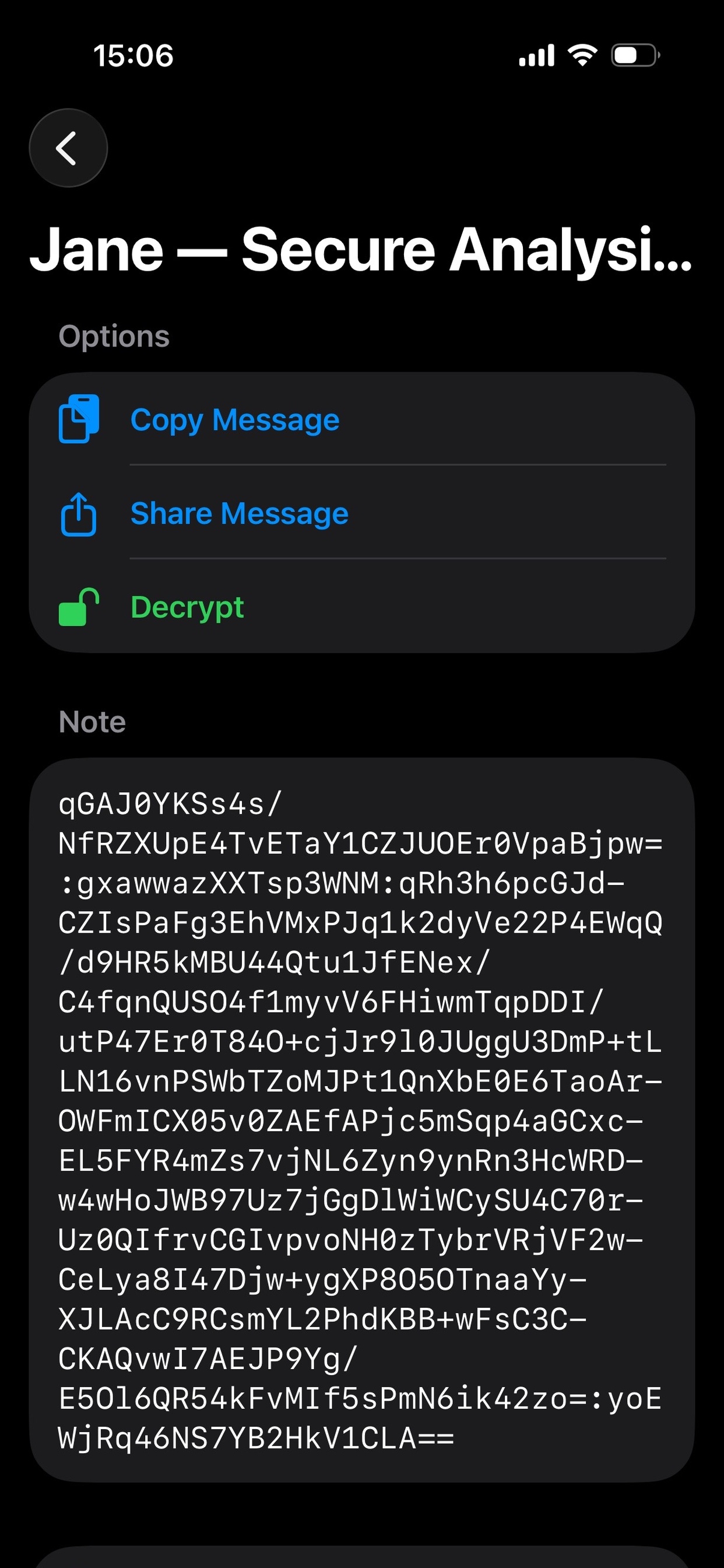
Saved messages can be viewed from the message detail screen. You can read the message, copy its contents. share it with others, or delete it when it is no longer needed.
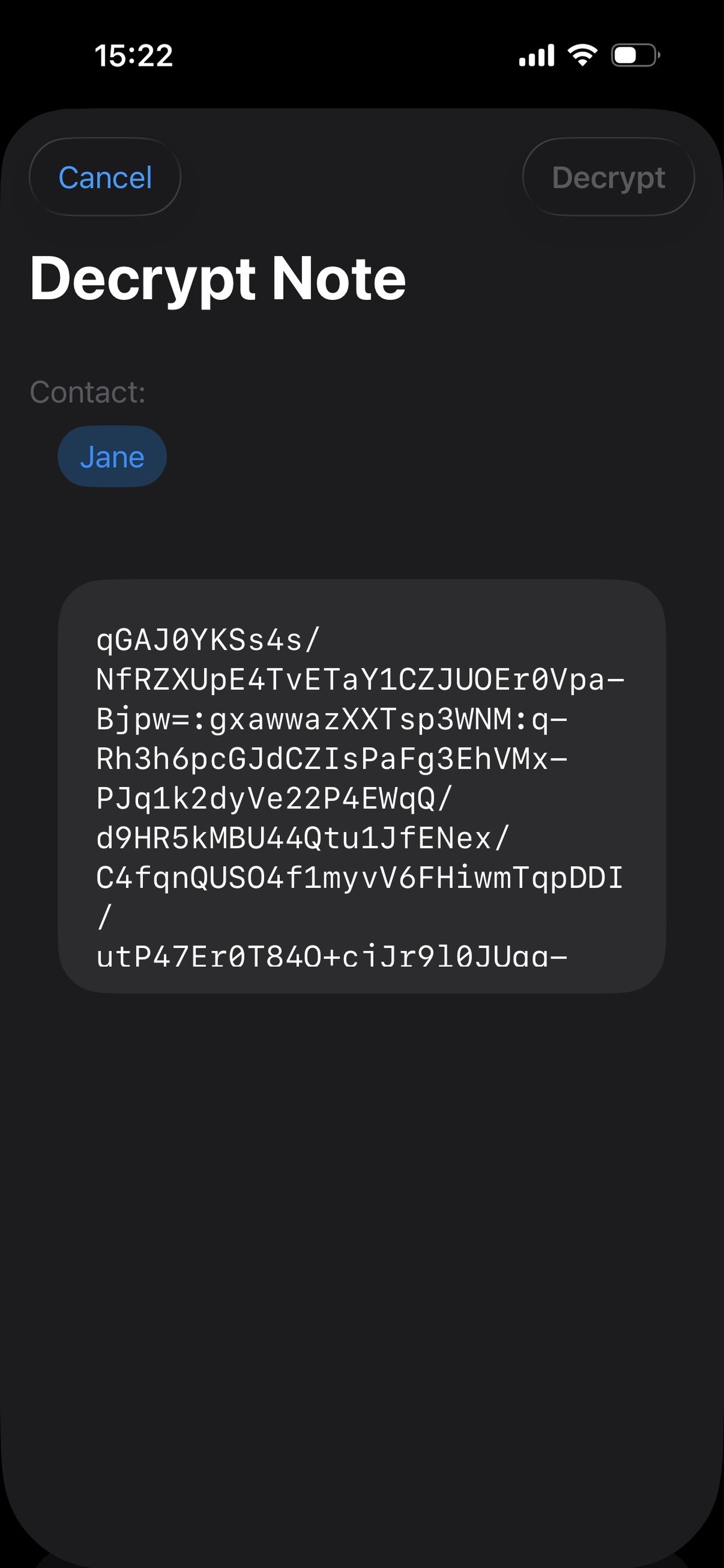
Encrypted messages appear as unreadable text until they are decrypted. Tap the Decrypt button to unlock the message reveal its original contents.
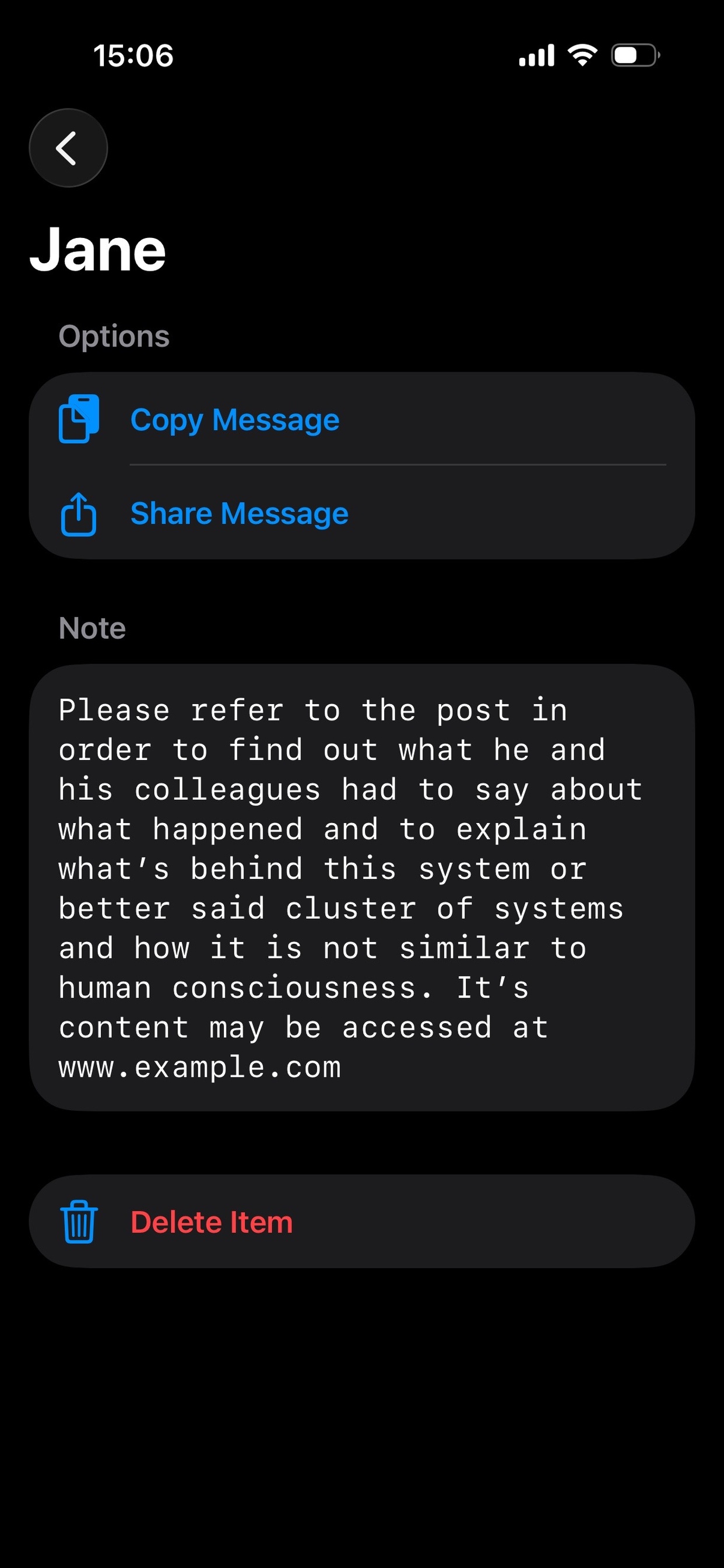
After successful decryption, the original message is displayed in a readable format. You can now review the contents, copy the message, share it, and its now saved for future reference.